Two-factor authentication (2FA)

Click through to see how to enable two-factor authentication (2FA) for a study in Viedoc Admin, and how users set up 2FA on their own account.

Demo length: 5 steps (~1 mins)

What you'll see

  • In Viedoc Admin, open Study Settings and go to "Study access" to enable the 2FA requirement for the study.
  • Tick the box to require 2FA for all study users and save the changes.
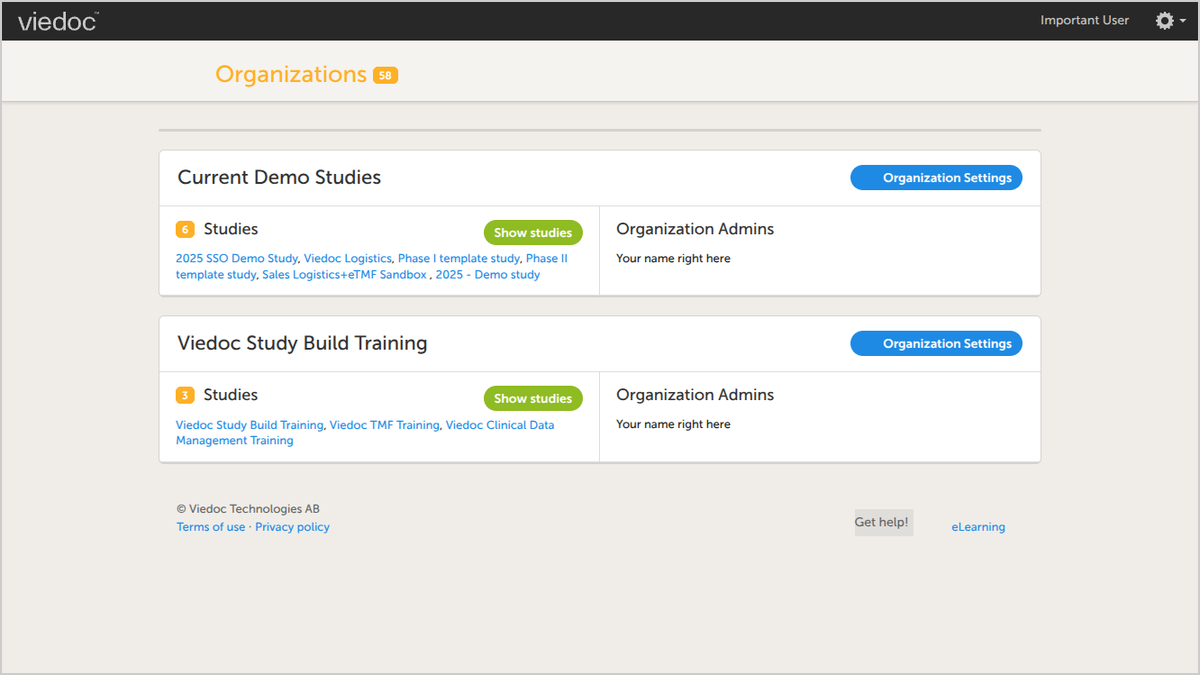
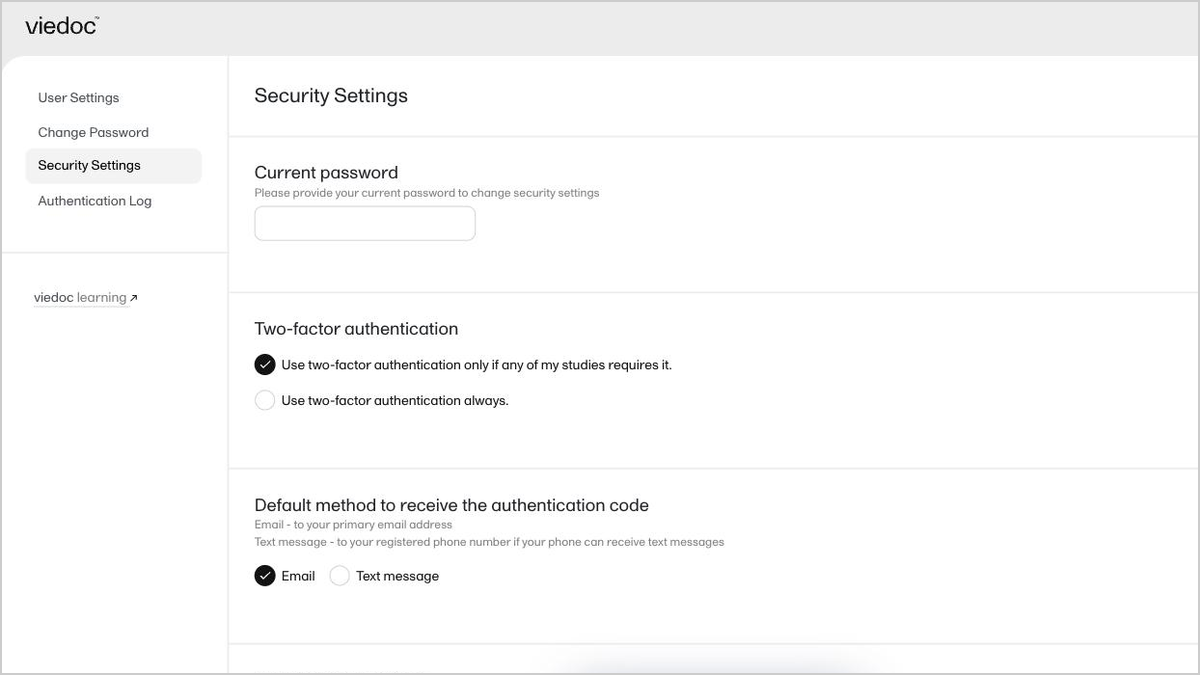
  • Open Security Settings from the gear icon in the upper-right corner of Viedoc, via "Edit your profile".
  • Choose whether to require 2FA only for studies that mandate it, or always.
  • Select the authentication method, email or text message, to complete setup.
Request a demo

You might also be interested in

Watch related demos to learn more about Viedoc eClinical suite.
Book a full demo

Meet with us to see how you could apply Viedoc to your next clinical trial.