Single sign-on (SSO)

Click through to see how to set up single sign-on (SSO) for your organization in Viedoc Admin — verify your domain, follow the guided eLearning setup, and see how Viedoc nudges users toward SSO afterward.

Demo length: 6 steps (~2 mins)
What you'll see

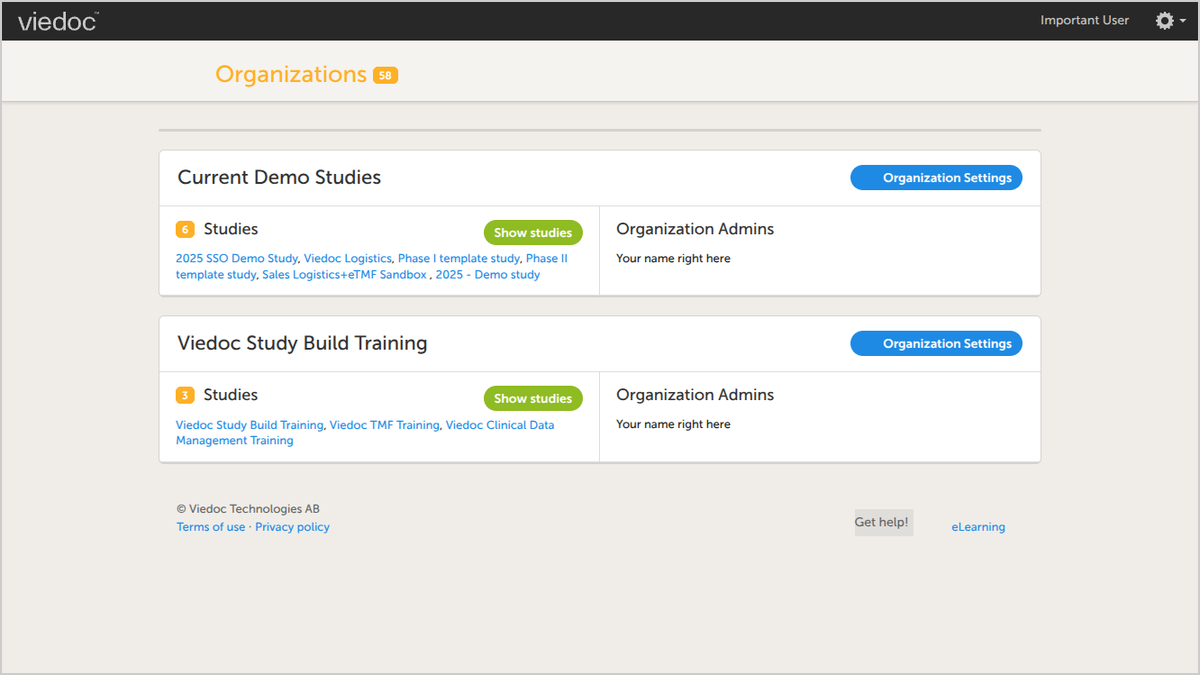
  • In Viedoc Admin, open Organization Settings and click the SSO tab.
  • Enter your organization's domain name and continue to send a verification email to the hostmaster.
  • Click the eLearning icon to open a step-by-step SSO configuration guide.
  • Follow the eLearning article's instructions to complete the setup.
  • See how, once SSO is live, a login attempt with regular credentials triggers an email nudging the user toward the SSO flow.
Request a demo

You might also be interested in

Watch related demos to learn more about Viedoc eClinical suite.

Book a full demo

Meet with us to see how you could apply Viedoc to your next clinical trial.