Viedoc SDV Manager: Risk assessments (MRACT)

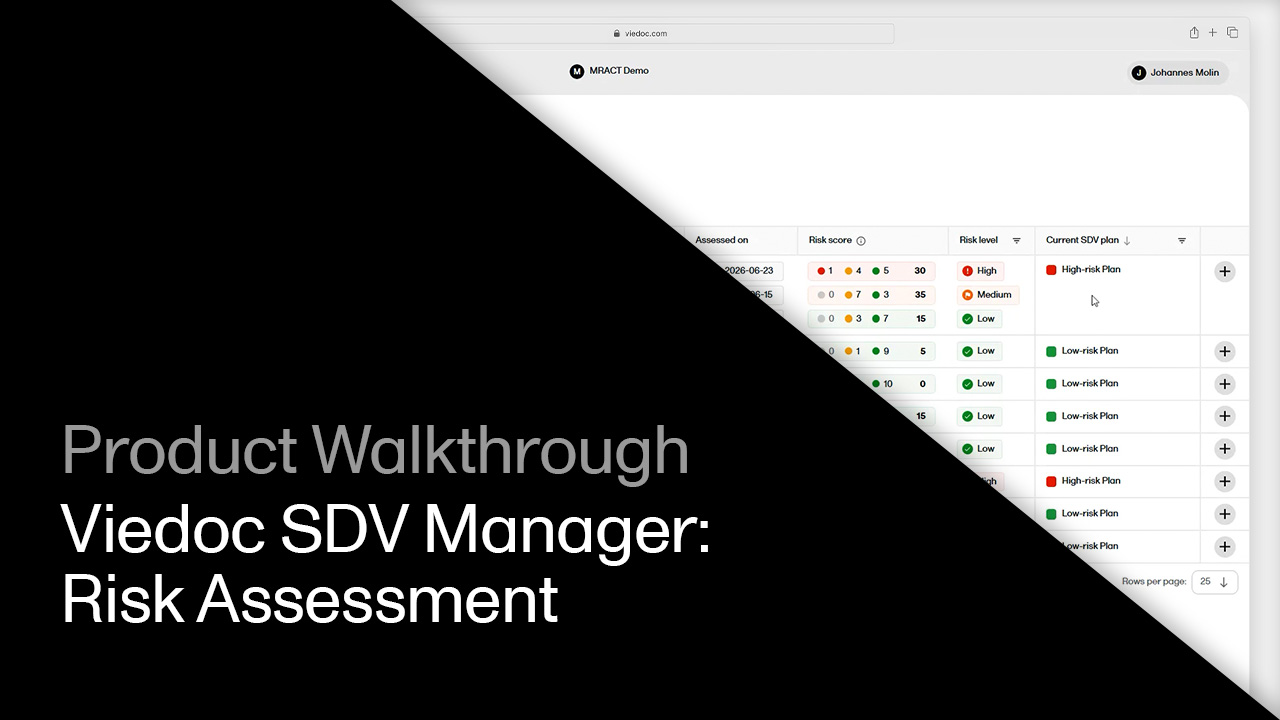
See how monitors score site risk with an MRACT form, how a reviewer approves or adjusts the score, and how the result feeds back into which SDV plan a site runs on.

What you'll learn

  • MRACT templates: Open the monitor-driven risk assessment categorization tool, with questions grouped by data quality, staffing and communication, and critical processes.
  • Template editing: Adjust questions and answer options before a study starts, with each answer mapping to a low, medium or high risk category.
  • Risk assessment overview: See the last assessment date per site, the calculated risk score, the split of high, medium and low responses, and the trend over time.
  • Submitting an assessment: Complete a form as a monitor, where medium and high answers require a comment, then save as draft or send for review.
  • Review and approval: Approve, reject, or adjust the suggested risk score as a reviewer, with a comment required for any change.
  • Closing the loop: Reassign the site's SDV plan when the risk level no longer matches, and track every change in Risk Assessment History and Template History.
Request a demo

You might also be interested in

Watch related demos to learn more about Viedoc eClinical suite.
Book a full demo

Meet with us to see how you could apply Viedoc to your next clinical trial.