DICOM de-identification profiles

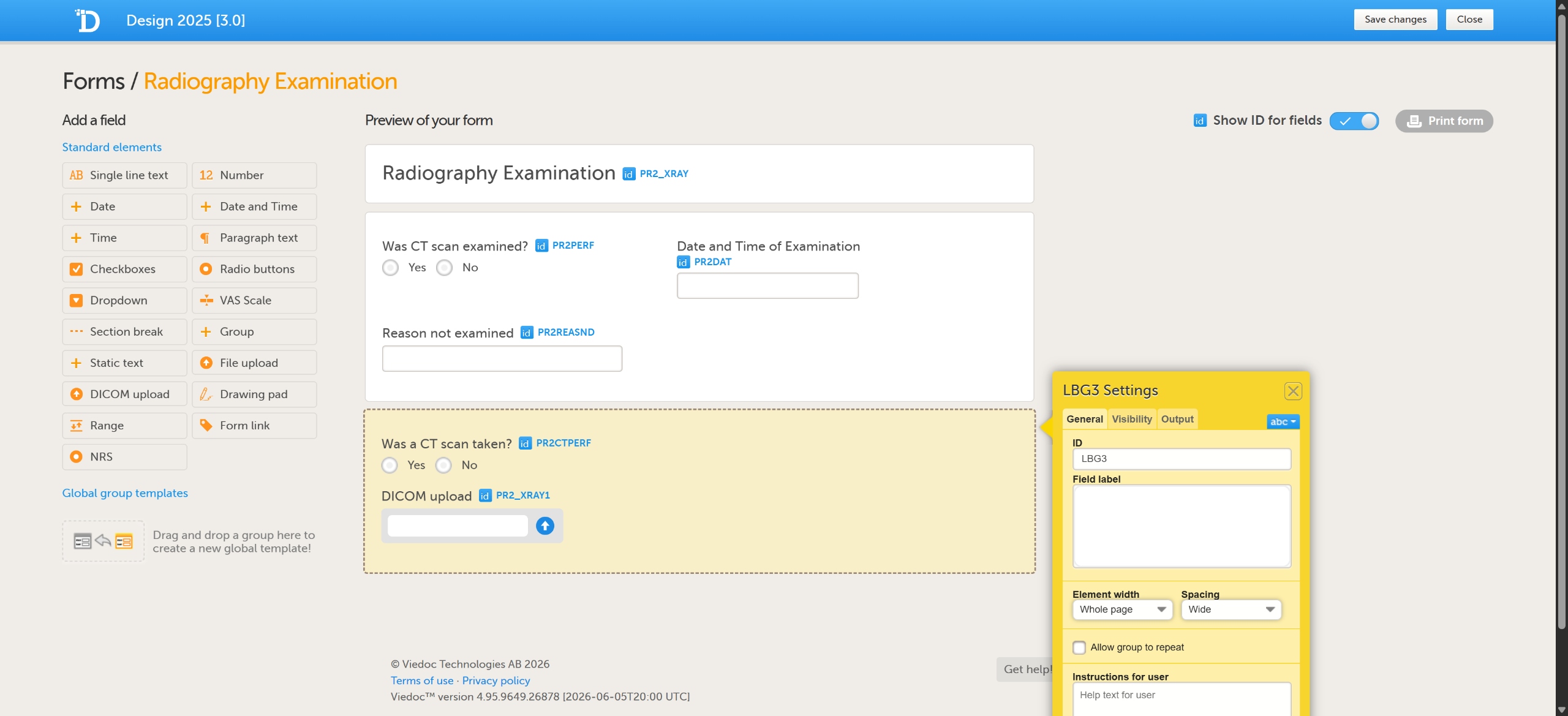
Click through to see how a DICOM Manager sets up a de-identification profile in Viedoc Admin, then how site staff upload images in Viedoc Clinic with those rules applied automatically, so every site handles imaging data the same way.

Demo length: 6 steps (2mins)
What you'll see

  • Create a profile in Viedoc Admin from the DICOM PS 3.15 Basic Profile, with options to remove private tags, overlay data and curve data, and to decide whether sites must redact pixels.
  • Configure individual tags, for example keeping the dates your analysis needs, trimming a date of birth to the year, or removing what you don't need.
  • Upload a DICOM file in Viedoc Clinic as a site user, with no de-identification settings to choose.
  • Draw over patient details burned into the image when the profile requires pixel redaction.
  • Review every tag change before de-identification starts, then see the audit file and de-identified images saved to the subject's form.
Request a demo

You might also be interested in

Watch related demos to learn more about Viedoc eClinical suite.

Book a full demo

Meet with us to see how you could apply Viedoc to your next clinical trial.