Repeating item groups

Click through to see how repeating item groups let you capture structured, repetitive data — like multiple medications or adverse events — directly within a form, with built-in limits and a full audit trail.

Demo length: 9 steps (2mins)
What you'll see

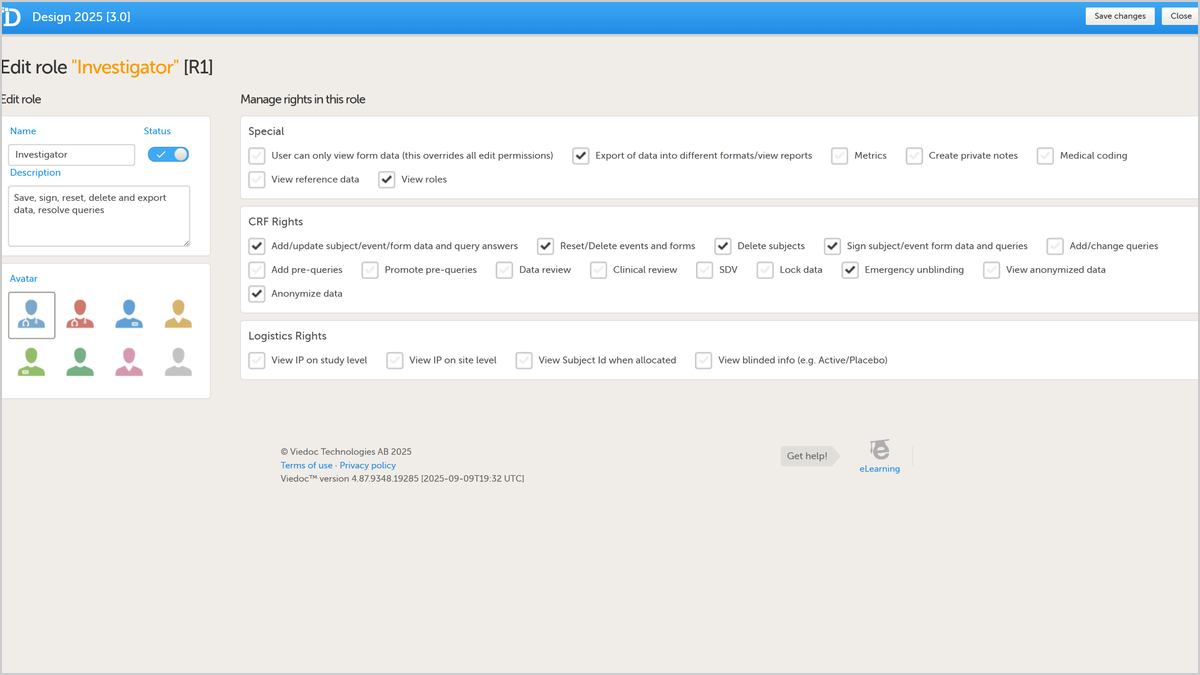
  • Enable a repeating item group in Viedoc Designer using "Allow group to repeat".
  • Set the minimum and maximum number of repeats.
  • See repeating groups in Viedoc Clinic, with the row number shown to the left of each instance.
  • Use "Add new row" to capture another instance — for example, a second medication.
  • Undo a row added in error with "Remove last row".

See more

Watch our Working Smarter webinar with Product Manager Johannes Molin for the study-build perspective and best practices.

Request a demo

You might also be interested in

Watch related demos to learn more about Viedoc eClinical suite.

Book a full demo

Meet with us to see how you could apply Viedoc to your next clinical trial.