Platform features
Partnerships and integrations
Platform overview
How the Viedoc platform works, what's included, licensing, and more.
Viedoc Vantage
How Viedoc uses AI in medical coding and the rest of the platform.
View all interfaces
The complete Viedoc product suite for clinical trials.
Services
Customer types
Use cases
Services overview
How Viedoc services work, what's included, licensing, and support options.
Demo center
On-demand video demos, tutorials, and release highlights.
Become a CRO partner
Partnership benefits, resources, and growth opportunities for CROs.
Learn
About Viedoc
We're building AI right into the Viedoc platform, so it works inside the products your team already uses, taking on the repetitive work and helping you reach decisions faster.
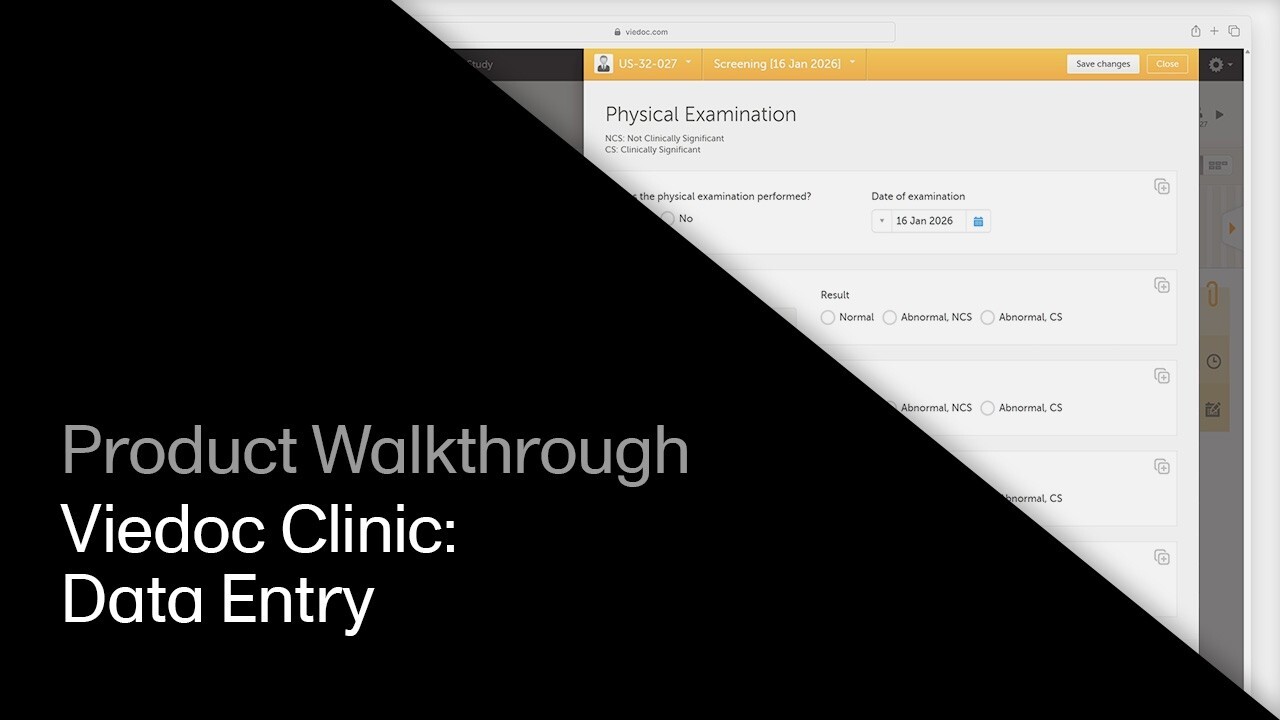
This walkthrough covers adding subjects, entering form data, and navigating the data entry workflow in Viedoc Clinic.
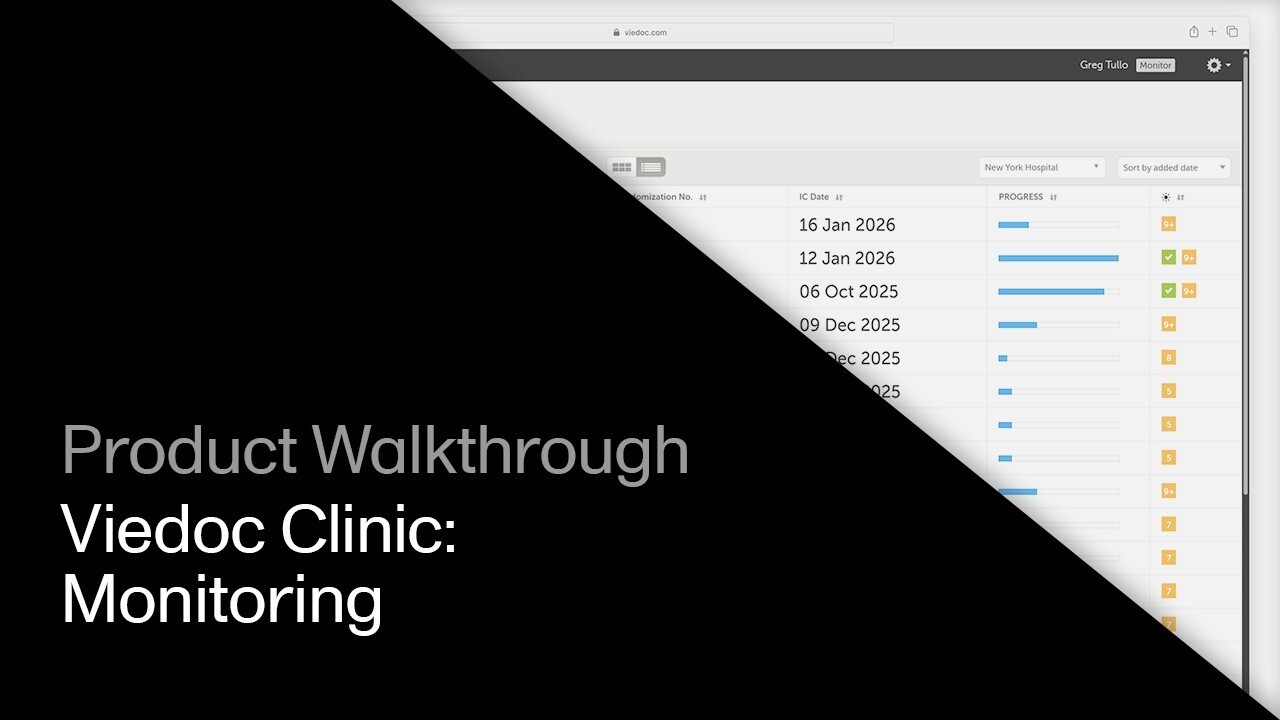
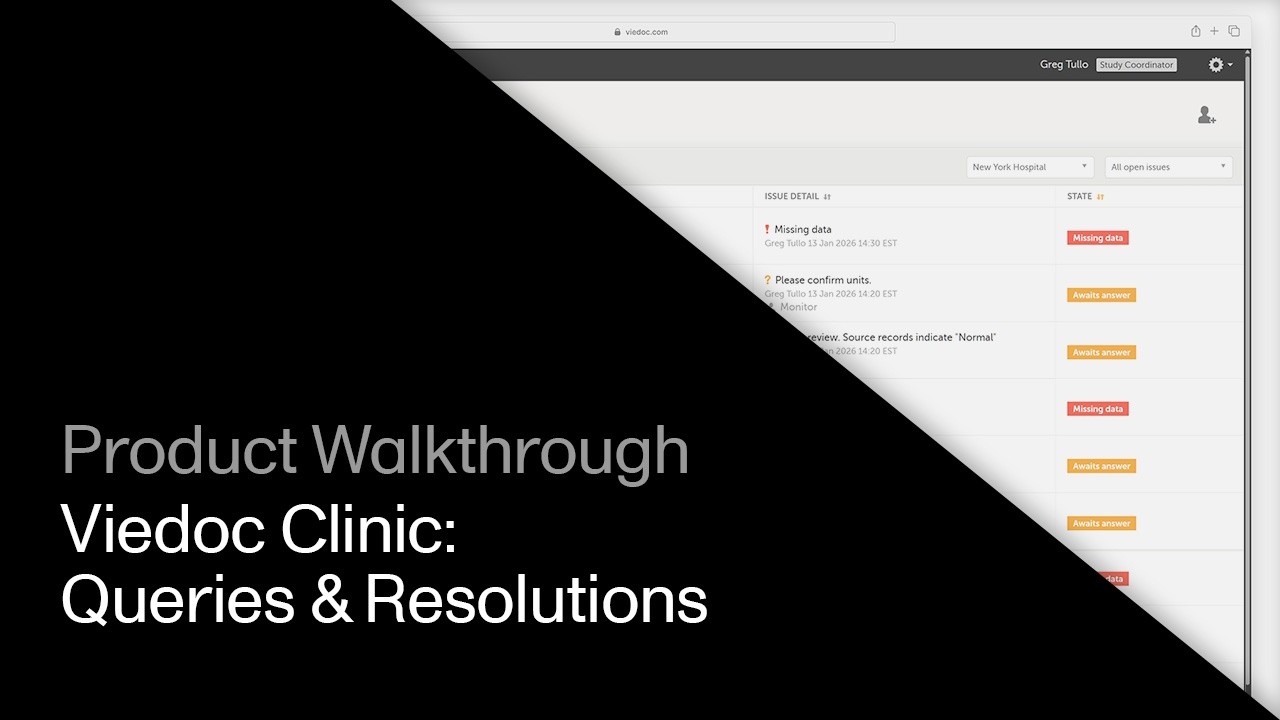
Watch related demos to learn more about Viedoc eClinical suite.
Viedoc Clinic
Meet with us to see how you could apply Viedoc to your next clinical trial.