Study build in clinical trials

Study build is the work of turning a clinical trial protocol into a working study database in an electronic data capture (EDC) system. It covers designing the electronic case report forms (eCRFs), programming edit checks, setting user roles, and testing everything before go-live.

Build and change your studies in-house.

What is study build in clinical trials?

Study build is the configuration of an EDC system for one specific trial, also called database build or EDC build. The team defines study details such as objectives, intervals, visits, investigators, sites, and patients in the database. It also designs case report form (CRF) layouts for data entry, and tests entry screens with dummy data before real data capture begins (Krishnankutty et al., 2012). The European Medicines Agency (EMA) guideline on computerized systems calls this work the trial-specific configuration. It expects teams to pre-specify the configuration, document it in detail, and verify it against the protocol, the data management plan, and other related documents (Annex 2, A2.3).

A study build breaks down into six distinct parts, from the initial specification through to the live database, though the exact detail varies from study to study.

Regulators in the EU and the US both expect teams to validate the build. The International Council for Harmonisation (ICH) E6(R3) guideline, section 4.3.4(e), requires validating both standard system functionality and protocol-specific configurations and customizations. That includes automated data entry checks and calculations. In the EU, the EMA guideline requires validation that ensures accuracy, reliability, and consistent intended performance, from design until decommissioning (section 4.10). In the US, 21 CFR 11.10(a) requires validation of systems to ensure accuracy, reliability, consistent intended performance, and the ability to discern invalid or altered records.

Why study build matters for CROs and sponsors

For a CRO

Every new study starts from zero: there's no reusable build from the last one, however similar the protocol looks. What decides how fast a CRO gets there is who does the work. When the CRO's own data managers build the study, the CRO sets its own pace for start-up and for every mid-study amendment that follows. When the EDC vendor's services team builds it instead, that pace follows the vendor's schedule, not the CRO's.

For a sponsor

Sponsors rarely build the study database themselves: the CRO or its vendor usually does. But every build error becomes a data problem that follows the sponsor through the whole study, visit after visit, right up to submission. The responsible party must validate computerized systems, including those the vendor builds, as fit for purpose for the trial (ICH E6(R3), section 4.3.4(g)). For both sponsors and CROs, specifying and testing the build well before go-live leaves fewer fixes, fewer queries, and fewer surprises during the study.

Getting started with study build

Before you start building, work through this checklist, whether you're building in-house or briefing a vendor.

  1. Freeze the protocol version you're building from, and note which amendments are likely.

  2. Write the eCRF and edit check specifications, and get sponsor approval before building.

  3. Start from a standard library, such as forms based on Clinical Data Acquisition Standards Harmonization (CDASH), where it fits the protocol.

  4. Decide who builds: your own data managers, the EDC vendor's services team, or both, and who signs off UAT.

  5. Run UAT against the specification with test data, and keep the record.

  6. Plan how you'll build, test, and release mid-study changes.

Woman in a modern office sitting at a desk and working on her laptop

Study build with Viedoc

Build checks in-house, without programming

In Viedoc Designer, you can include complex conditions, validation checks, and functions without advanced programming skills. You can also verify layout, conditions, and checks on screen as you design.

Start from a standard

Template studies built per CDASH recommendations are available at no additional cost.

Train your own team

The Study Build Certification program takes about 16 hours. It certifies your named study design representatives to build studies in Viedoc Designer and gives them direct access to the Viedoc Support Channel. There's no setup fee if you build the study yourself.

Let Viedoc build your study

We can work with your team on the build, including eCRF design and edit check configuration. We then review the completed build through a documented quality control (QC) process. UAT and formal approval of the database stay with you, as the sponsor or CRO.

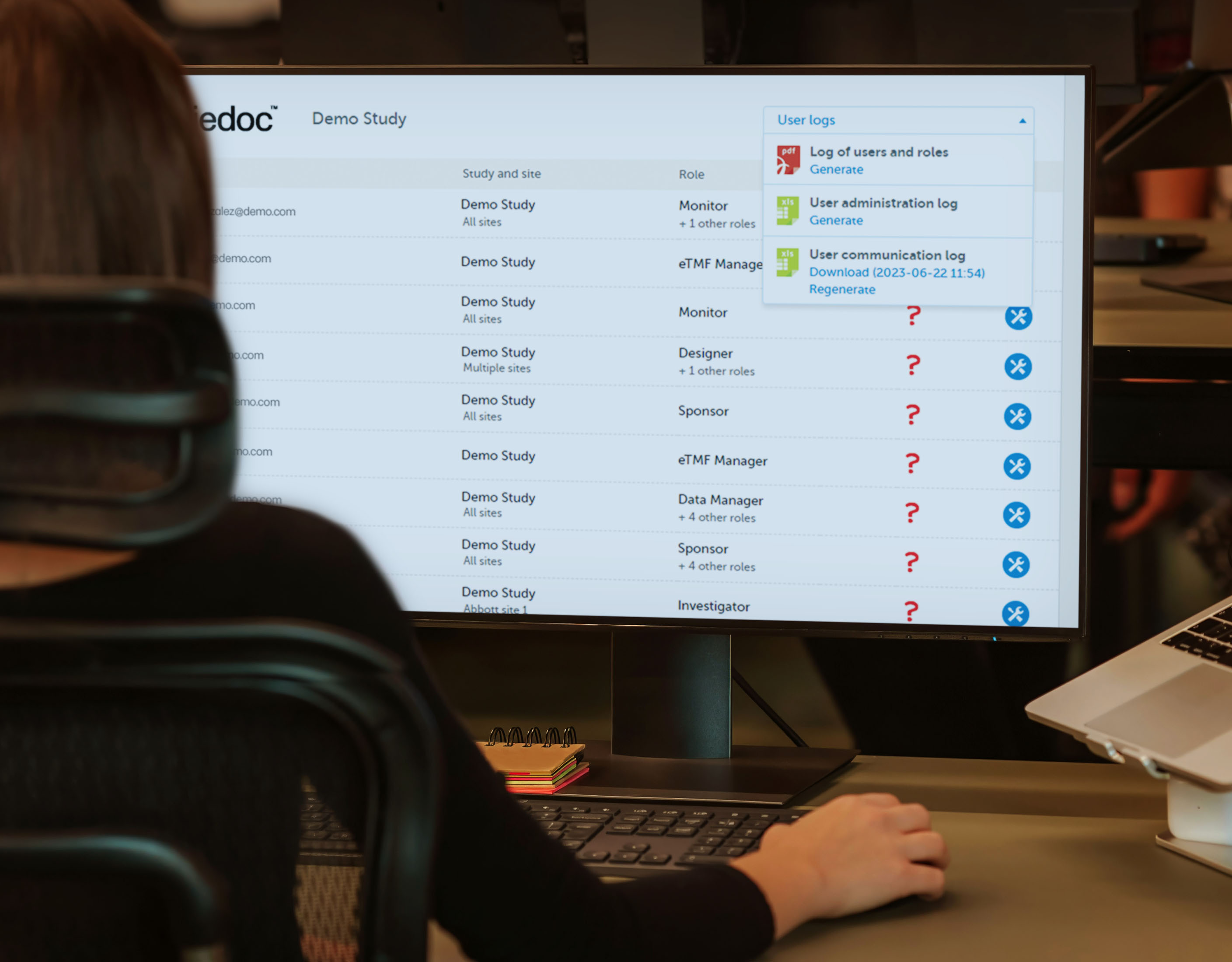
Woman sitting at her desk in front of a large computer monitor using a piece of software

Key takeaways: Study build in clinical trials

  • Study build turns a protocol into a working EDC database through six stages: specification, eCRF design, edit checks, roles and integrations, UAT, and go-live.

  • ICH E6(R3) and the EMA guideline expect teams to validate the trial-specific configuration, and 21 CFR 11.10(a) requires system validation.

  • The sponsor's or CRO's own team, the EDC vendor, or both do the build. Building in-house keeps the schedule under the sponsor's or CRO's own control, while a vendor build depends on the vendor's schedule instead.

  • The same build, test, and release steps apply to every mid-study change.

Frequently asked questions about Study build in clinical trials

Related terms