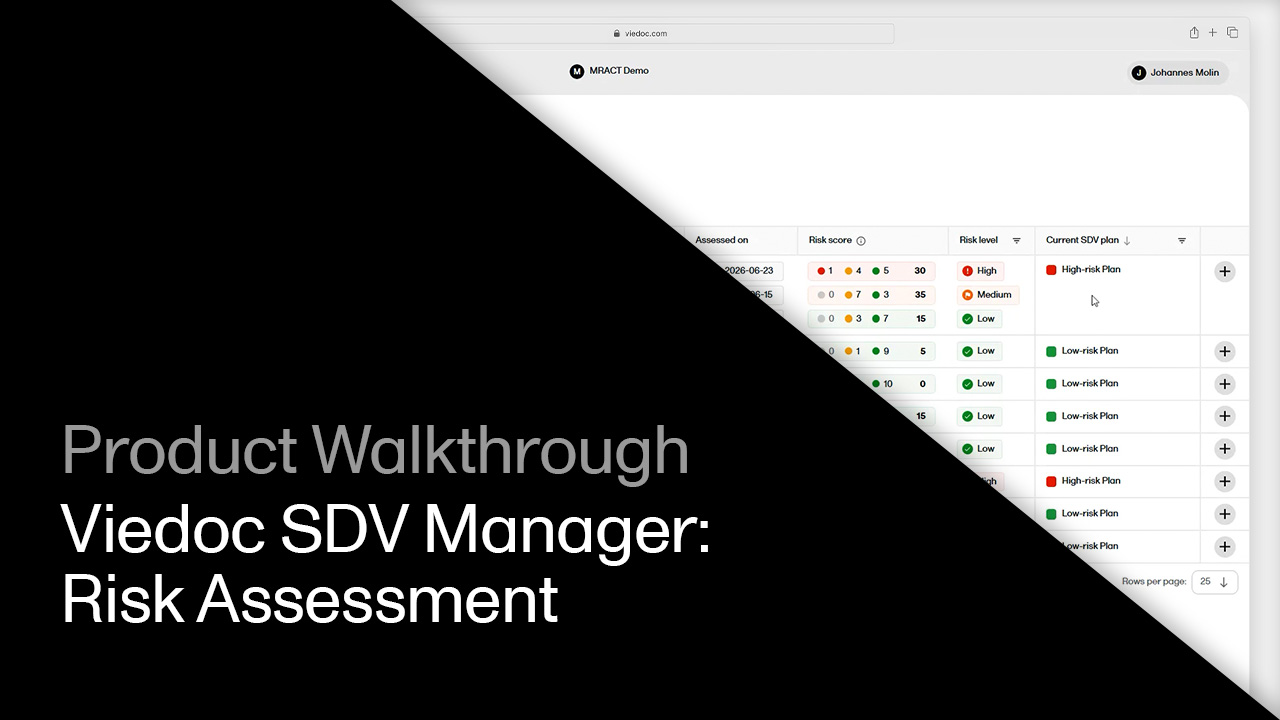
MRACT site risk assessments

Click through to see how to score site risk with MRACT in Viedoc SDV Manager, from filling out the assessment template to reviewer approval and assigning a new SDV plan to the site.

Demo length: 12 steps (~3 min)

What you'll see

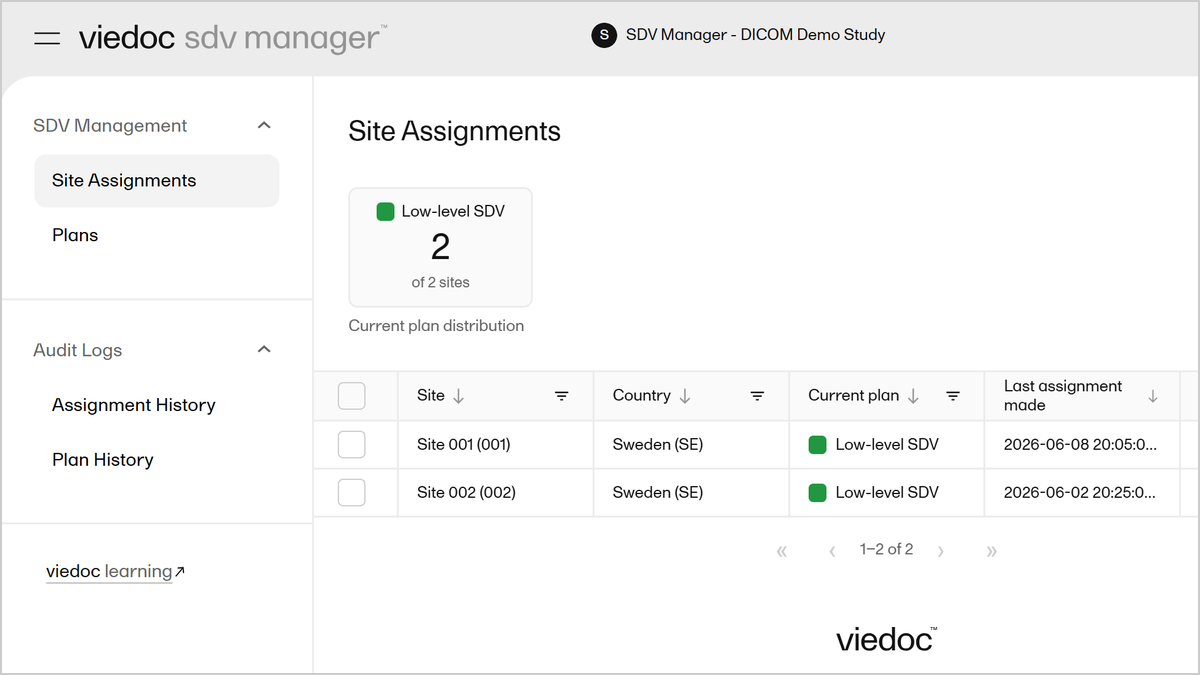
  • Review site risk assessments and current SDV plans in the Risk Assessments list, including risk score, risk level, and last assessed date.
  • Open a risk assessment template and see how the MRACT survey's questions score as low, medium, or high risk. Complete a new assessment for a site and watch the overall risk level calculate from the mix of low, medium, and high risk answers.
  • Approve the assessment as a reviewer and see the site's risk level update from Low to High.
  • Assign the site to its new SDV plan with an effective date, then check the Audit Logs for a full history of risk assessments and template changes.
Request a demo

You might also be interested in

Watch related demos to learn more about Viedoc eClinical suite.
Book a full demo

Meet with us to see how you could apply Viedoc to your next clinical trial.