MRACT site risk assessments

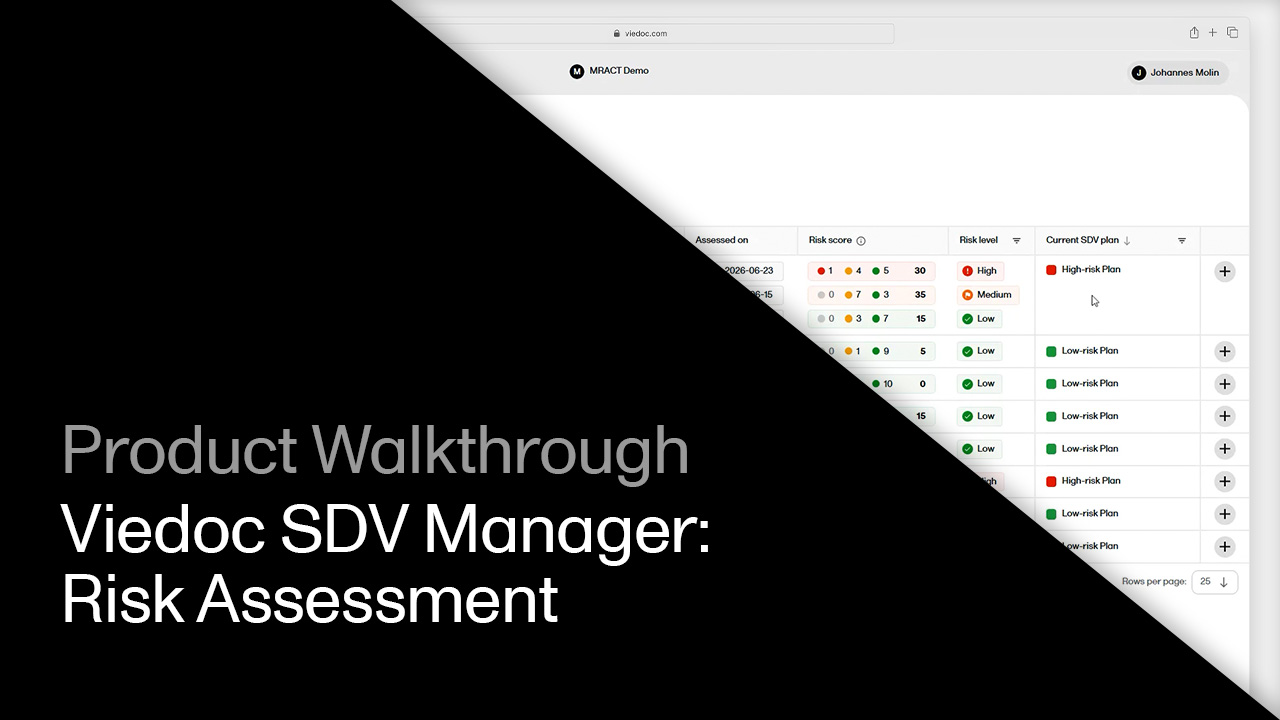
Click through to see how to score site risk with MRACT in Viedoc SDV Manager, from filling out the assessment template to reviewer approval and the automatic update to the site's SDV plan.

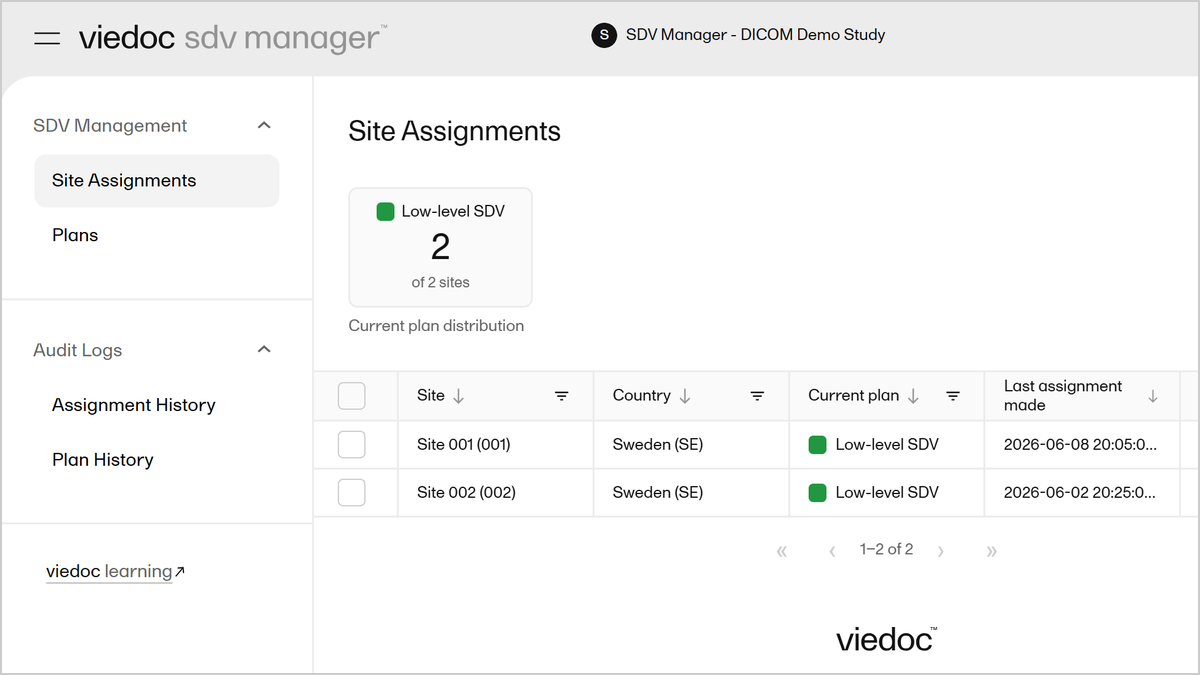
Demo length: 12 steps (~3 min)

What you'll see

  • Review site risk assessments and current SDV plans in the Risk Assessments list, including risk score, risk level, and last assessed date.
  • Open a risk assessment template and see how the MRACT survey's questions score as low, medium, or high risk. Complete a new assessment for a site and watch the overall risk level calculate from the mix of low, medium, and high risk answers.
  • Approve the assessment as a reviewer and see the site's risk level update from Low to High.
  • Assign the site to its new SDV plan with an effective date, then check the Audit Logs for a full history of risk assessments and template changes.
Request a demo

You might also be interested in

Watch related demos to learn more about Viedoc eClinical suite.
Book a full demo

Meet with us to see how you could apply Viedoc to your next clinical trial.