ePRO subject reminders

Click through to see how to configure subject reminders for a Viedoc Me activity in Viedoc Designer, then activate them for a subject in Viedoc Clinic — reminders go out by email or SMS on the schedule you set.

Demo length: 10 steps (~3 mins)
What you'll see

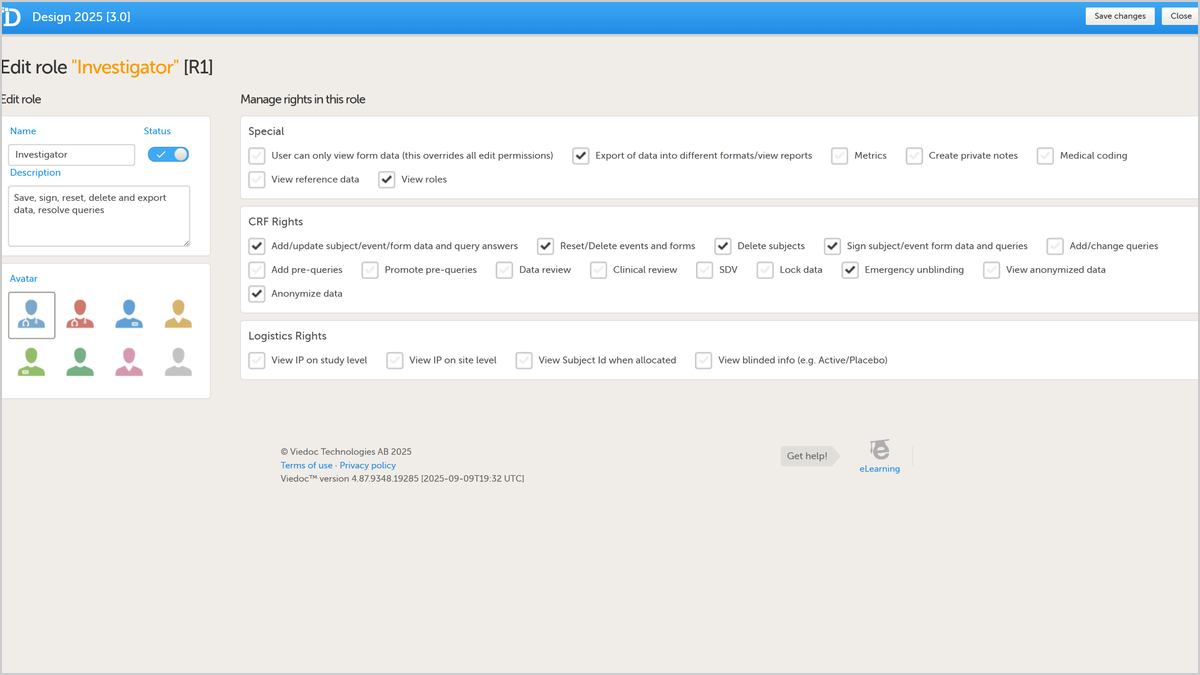
  • Set a reminder for a Viedoc Me activity in Viedoc Designer by selecting the pencil icon next to it.
  • Add a reminder message and choose the time, date, and cadence for delivery.
  • Save changes and move to Viedoc Clinic to activate the reminder for a subject.
  • Choose a display language and enter the subject's contact details, then enable reminders by email and/or text message.
  • Activate the subject's account — reminders are then delivered automatically as configured.
Request a demo

You might also be interested in

Watch related demos to learn more about Viedoc eClinical suite.

Book a full demo

Meet with us to see how you could apply Viedoc to your next clinical trial.