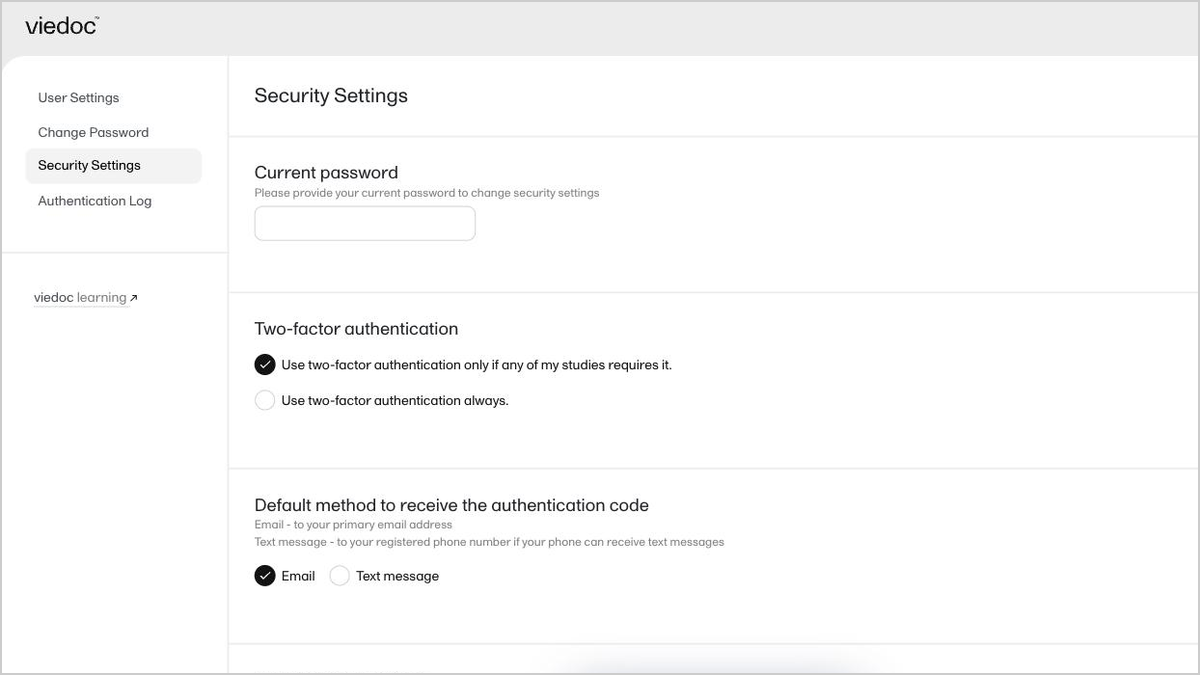
DICOM upload and de-identification

Click through to see how to add a DICOM upload field in Viedoc Designer, then upload imaging files in Viedoc Clinic with automatic tag stripping, pixel-level redaction, and a downloadable audit — all without leaving the form.

Demo length: 9 steps (2mins)
What you'll see

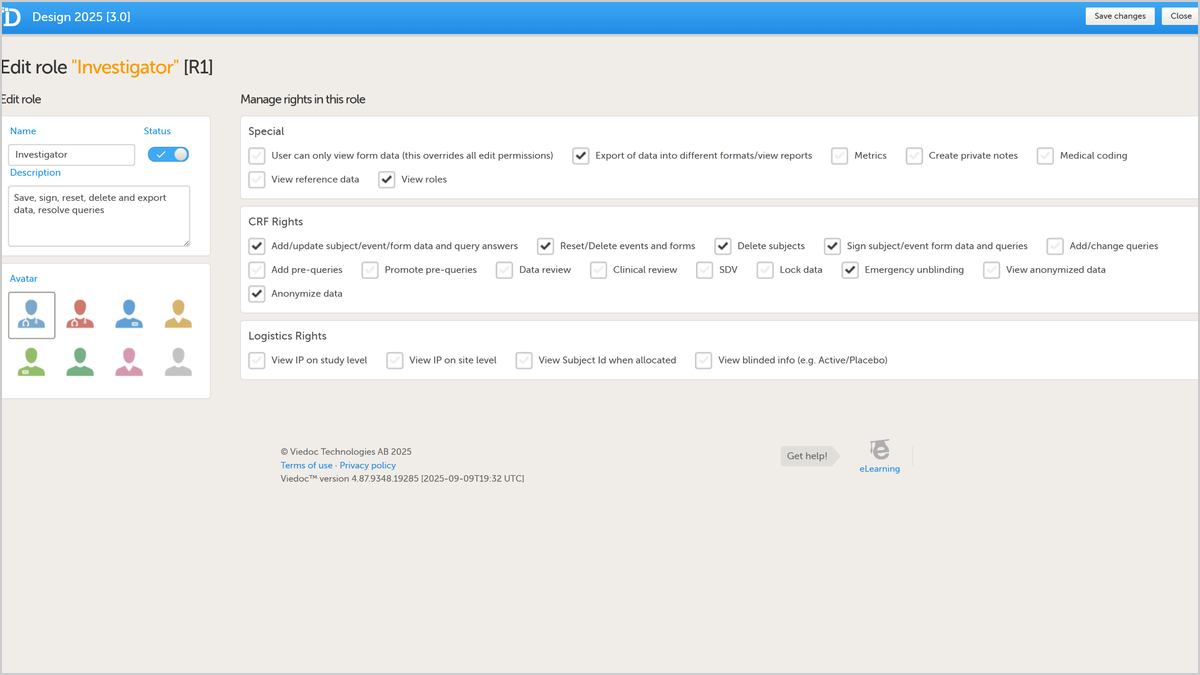
  • Add the new DICOM upload field to a form in Viedoc Designer — available as a standard element alongside file upload and drawing pad.
  • Upload a DICOM zip in Viedoc Clinic and choose a de-identification profile, including whether to apply pixel de-identification.
  • Drag a redaction border over burnt-in PHI — for example, a participant name visible on the image itself.
  • Review every change before it's applied: tags, names, VR, values, and the action the tool will take on each.
  • Confirm the finalization page (studies, series, instances, tag changes, pixel redactions), download the audit, and save the de-identified file back into the eCRF.
Request a demo

You might also be interested in

Watch related demos to learn more about Viedoc eClinical suite.

Book a full demo

Meet with us to see how you could apply Viedoc to your next clinical trial.